Privacy
QR codes and personal data: what you should never encode
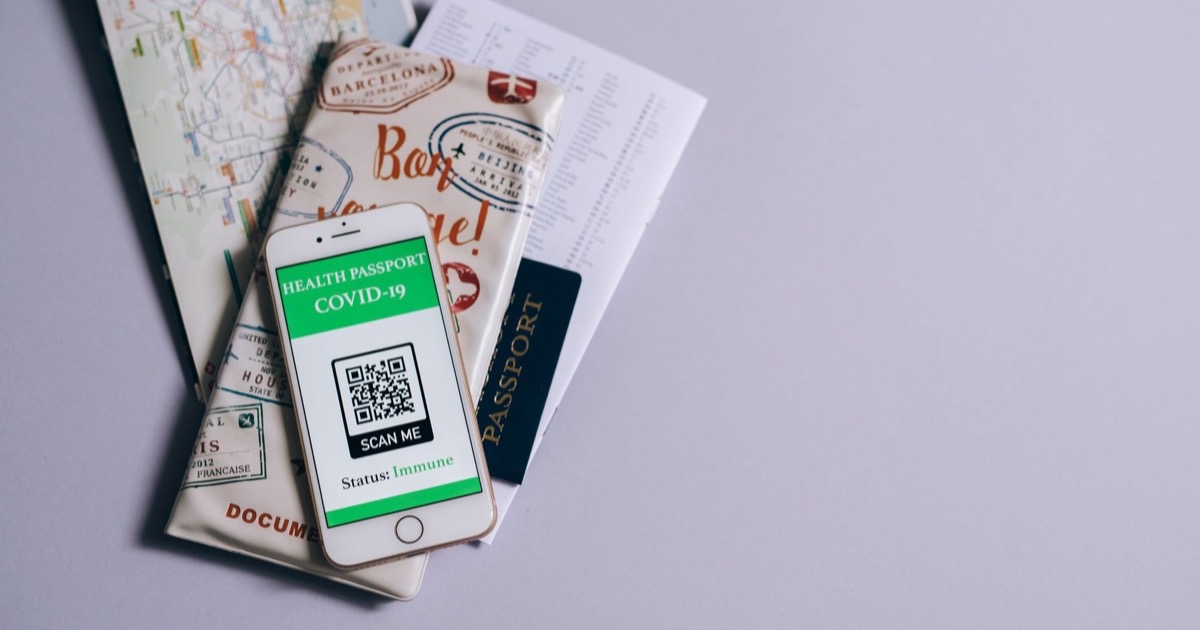
A QR code is readable by anyone who sees it and forgets nothing ever. Health data, credentials, GDPR: what should never end up encoded inside one.
Read article
Guides, tutorials and comparisons on QR codes and barcodes
A QR code is readable by anyone who sees it and forgets nothing ever. Health data, credentials, GDPR: what should never end up encoded inside one.
A sticker over a QR code, a shortened URL, an urgent payment request: the warning signs of QR code scams and the habits to check before scanning.
A QR code received by email, saved in a screenshot, or spotted in a photo: import the image and decode it locally — nothing gets uploaded anywhere.
Decoding happens in your browser: neither the image nor its content ever leaves your device. How to check that a scanner is truly client-side.
Create a free Wi-Fi QR code in seconds: your guests scan once and join the network. The password stays in the pattern, never sent to a server.
Static means content fixed forever, free. Dynamic means an editable redirect with scan analytics, usually paid. The simple rule to choose.
Generate a free vCard QR code: name, phone and email land straight in the scanner's contacts — no app, no typing. Ideal for business cards and events.
Discover the FlashScan Pro blog: tutorials, guides and comparisons for scanning and generating QR codes and barcodes, 100% in the browser.